
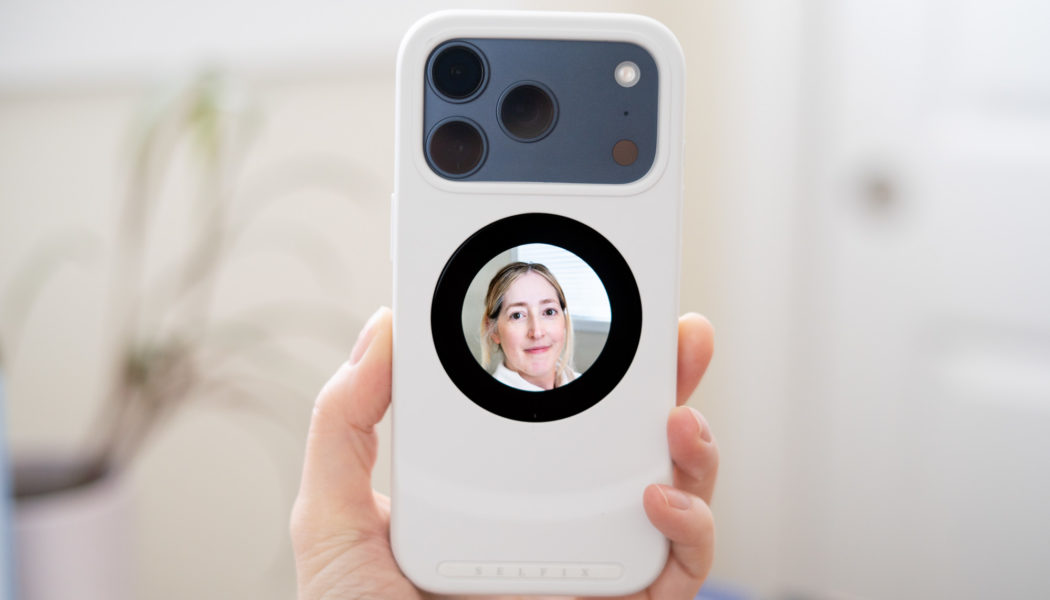
A screen helps you frame selfies with the iPhone’s rear cameras — if you’re willing to put up with its quirks.
A screen helps you frame selfies with the iPhone’s rear cameras — if you’re willing to put up with its quirks.

The Selfix phone case is a classic example of a great idea in theory that falls apart in practice.
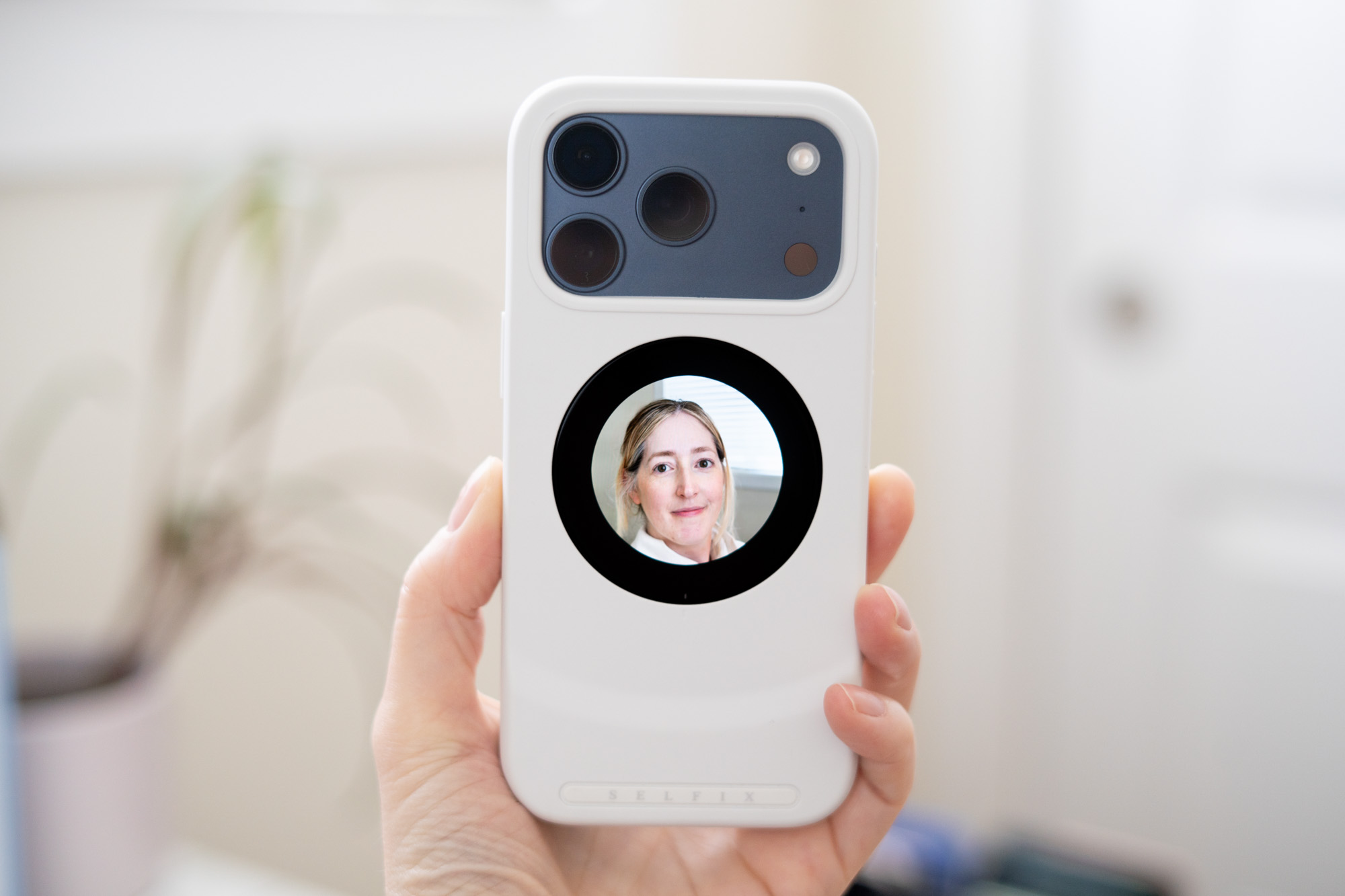
It’s a case for the iPhone 17 Pro with a circular screen on the back. It mirrors the middle of your main phone screen, making it easier to frame up selfies using your phone’s higher-quality rear cameras rather than the selfie camera. A nice concept! I wish it worked better.
Selfie cameras have come a long way, and the updated sensor in the iPhone 17 series’ front-facing camera is more than capable in good lighting. But there are still ways that the bigger sensors and lenses in your phone’s rear cameras outperform them: They can do slow-motion video, better low-light images, and more convincing portrait mode photos. The Selfix case makes all of that possible — if you can put up with it for long enough.
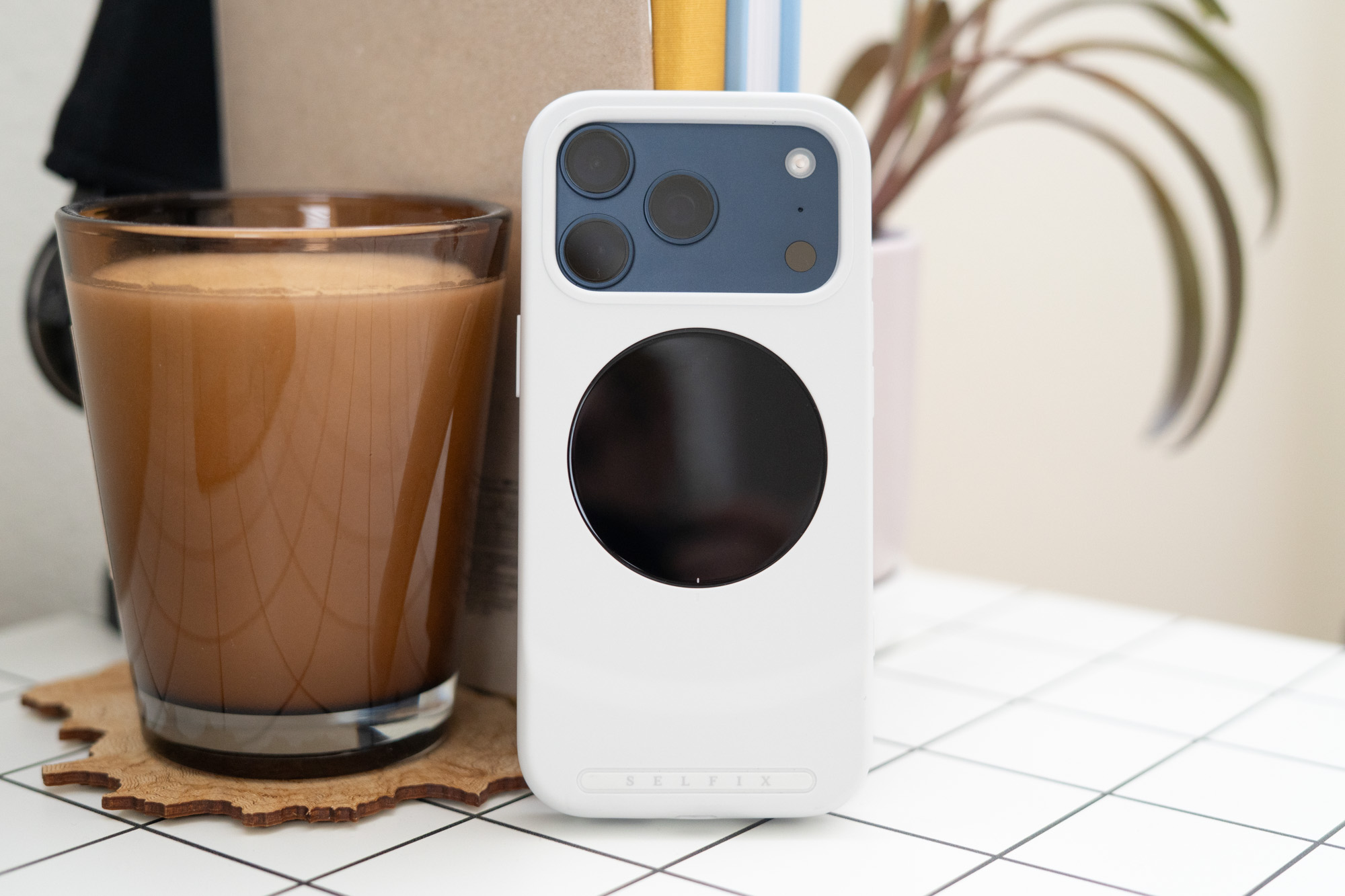
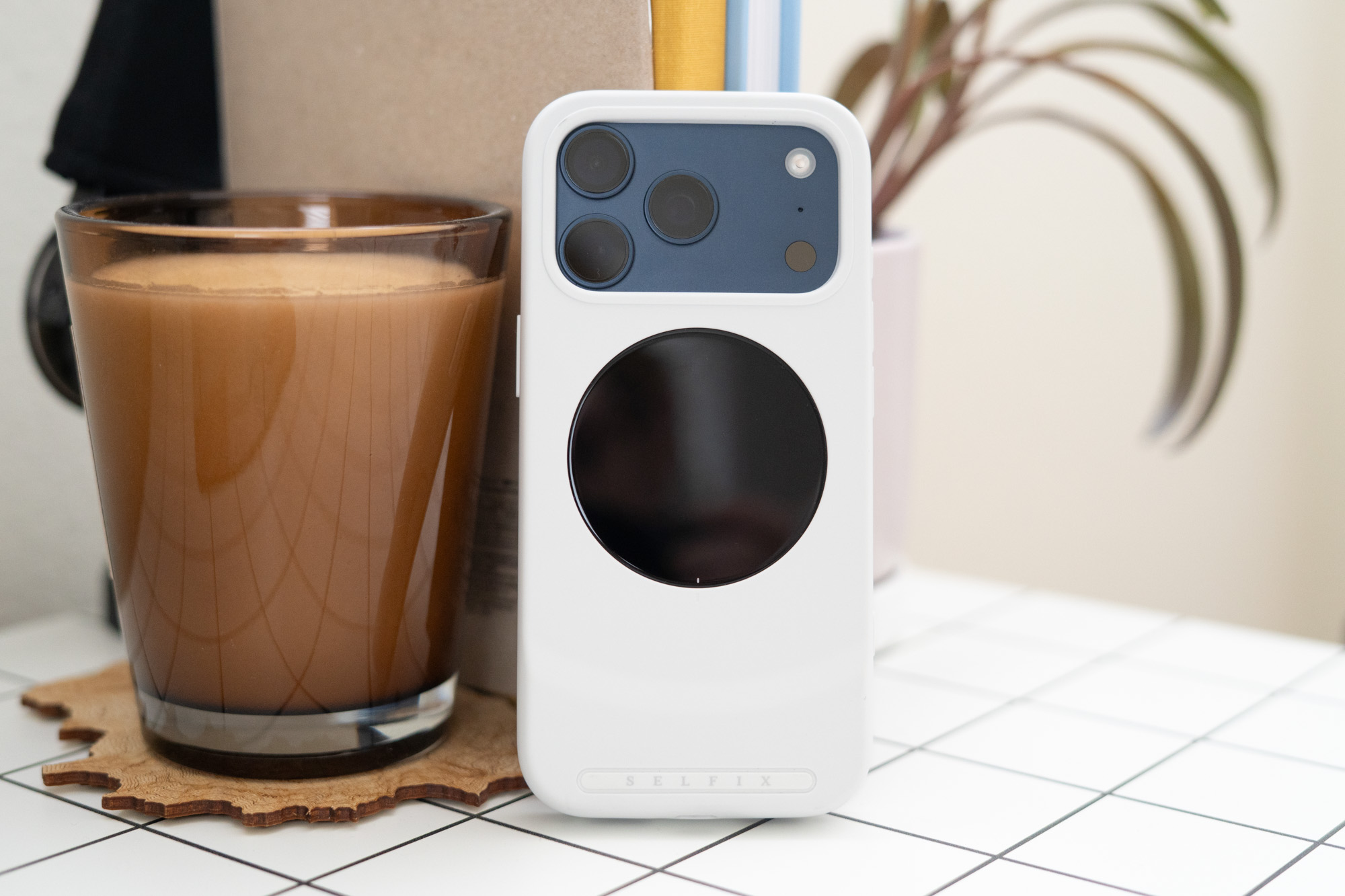
The Selfix is a case for the iPhone 17 Pro and Pro Max that includes a built-in screen for rear-camera selfies. It’s a nice idea that doesn’t quite work in practice.
The Selfix case is on preorder now through Kickstarter, with a full retail price of $129 and pricing for backers listed at $79. But I have some real hesitations recommending it even at the discounted early bird rate. For starters, it’s bulky. I’m working very hard here to overcome my biases: I don’t usually use cases, and I’m fresh from a couple weeks of using the iPhone Air. This case on the iPhone 17 Pro was always going to feel unwieldy to me. Still: I think it is unreasonably big. You do get a built-in microSD card slot, which is nice. It meets the UHS-I, Class 10, U3, and V30 standards, meaning that you should be able to record 4K video directly to the card without dropping frames provided that you have a fast enough card.
My biggest complaint with the Selfix is that it just doesn’t do the job very well. The screen is a circle with a 1.6-inch diameter, so it naturally cuts off a big chunk of the rectangular preview image on your main phone screen. It also has some real chunky bezels, so the usable screen area is a little smaller than the inside of a paper towel tube. All of that means there’s still some guesswork involved; if you frame your face in the center of the rear screen you’ll get a selfie with a lot of blank space above your head.
The Selfix’s screen is touch-sensitive, but I couldn’t get tap-to-focus to work consistently. The unit I tested is labeled as “Beta,” which may be the culprit here. You need to use the volume keys on your iPhone to take a photo or start video recording anyway, because the part of the screen with the virtual shutter button is cut off. It’s also kind of unsettling shooting video and not seeing any indication that recording has started. For something that’s designed to reduce the guesswork of using the rear cameras, there’s an awful lot of guesswork still involved.
Then there are the side effects. The case allows for passthrough wired charging, but no data connections, meaning no wired CarPlay or transferring files to your laptop over USB. There’s a magnetic ring in the back of the case so you can keep using MagSafe accessories, but no wireless charging. You need to take the case off to do any of these things.
On top of all that, it’s pretty easy to forget the rear screen is turned on when you’re done taking your selfies. As a reminder: It mirrors whatever is on your phone screen, so you could wind up giving the rest of the world a clear view of your banking app or whatever you’re looking at. There’s a dedicated button on the side of the case to turn the screen on and off, and when it turns on you’ll see a little USB plug icon in the Dynamic Island to let you know an accessory has been plugged in. But there’s no persistent onscreen reminder that the case is mirroring the display, and I can see that going wrong in some unfortunate ways.
Look, I love a weird phone accessory. And I appreciate the Selfix case trying to do more than one thing — help you use the rear cameras for selfies, expand your phone storage, and protect your device. I just wish it did its main job better.
Photography by Allison Johnson / The Verge