
The Quick Share update is rolling out in Korea, with other regions soon to follow.
The Quick Share update is rolling out in Korea, with other regions soon to follow.
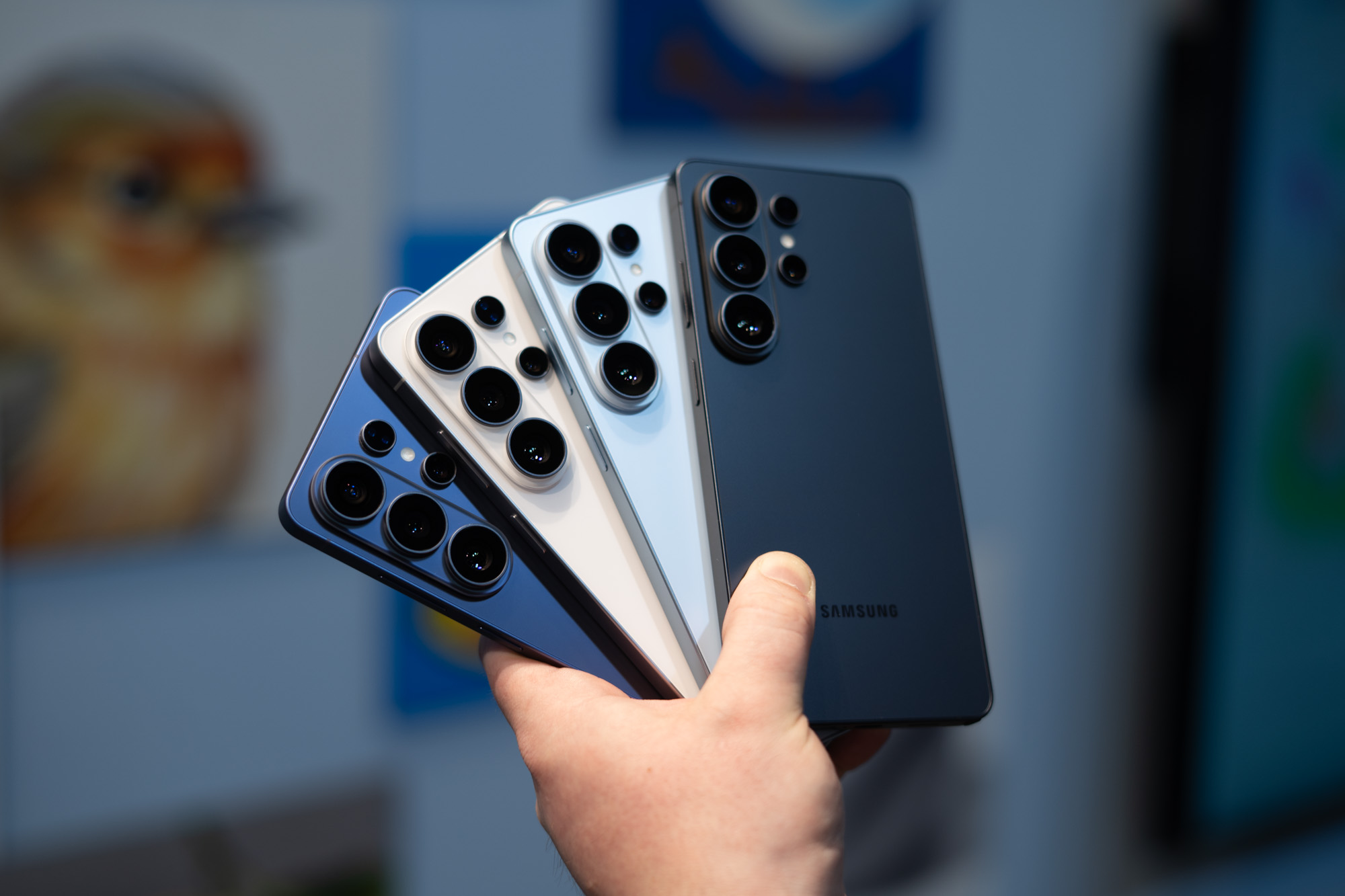

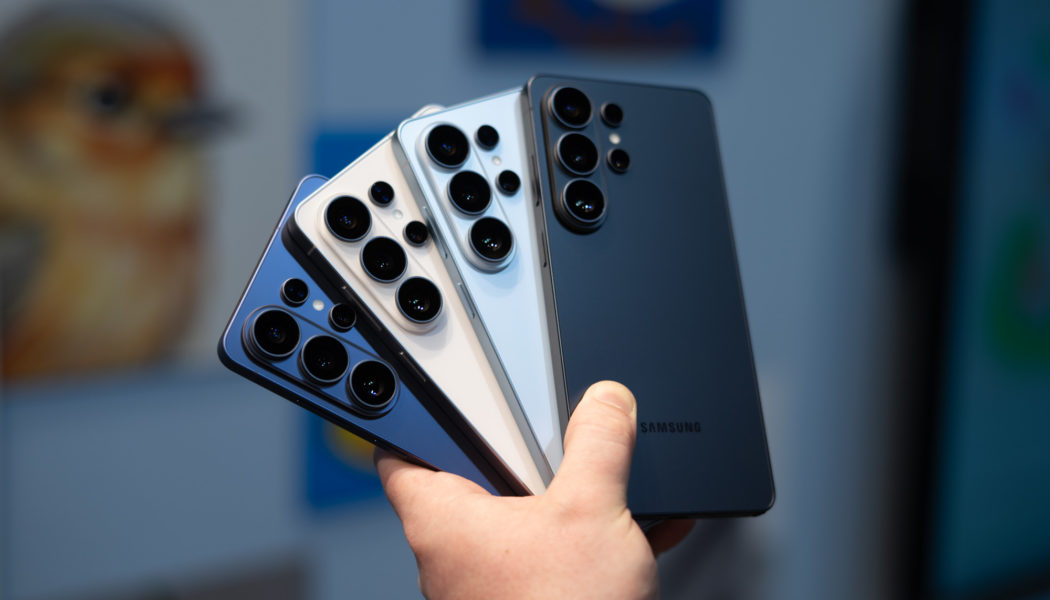
Samsung is bringing AirDrop support to the Quick Share feature on Galaxy devices, starting with the S26 series. The new AirDrop feature will begin rolling out in Korea starting today, according to Samsung, with US devices seeing the option sometime later this week. It will arrive in more regions and on more Galaxy devices “at a later date,” including the rest of North America, Latin America, Europe, Southeast Asia, Hong Kong, Japan, and Taiwan.
This update will allow Galaxy S26, S26 Plus, and S26 Ultra owners to effortlessly share files with Apple devices over a fast wireless connection. With this, Samsung is now the second Android smartphone brand to offer native AirDrop support on its devices, after Google developed its own Android interoperability solution for AirDrop last year without Apple’s involvement. That support came to the Pixel 10 series in November 2025, and later to the Pixel 9 series in February.
AirDrop support on Galaxy devices is not enabled by default. Users can activate the feature by opening the Settings menu and tapping Connected devices > Quick Share > Share with Apple devices. A toggle to enable AirDrop will then appear, alongside information notifying the user that both the Apple and Samsung devices need to have their sharing settings set to “Everyone” mode in order to transfer files between each other.