

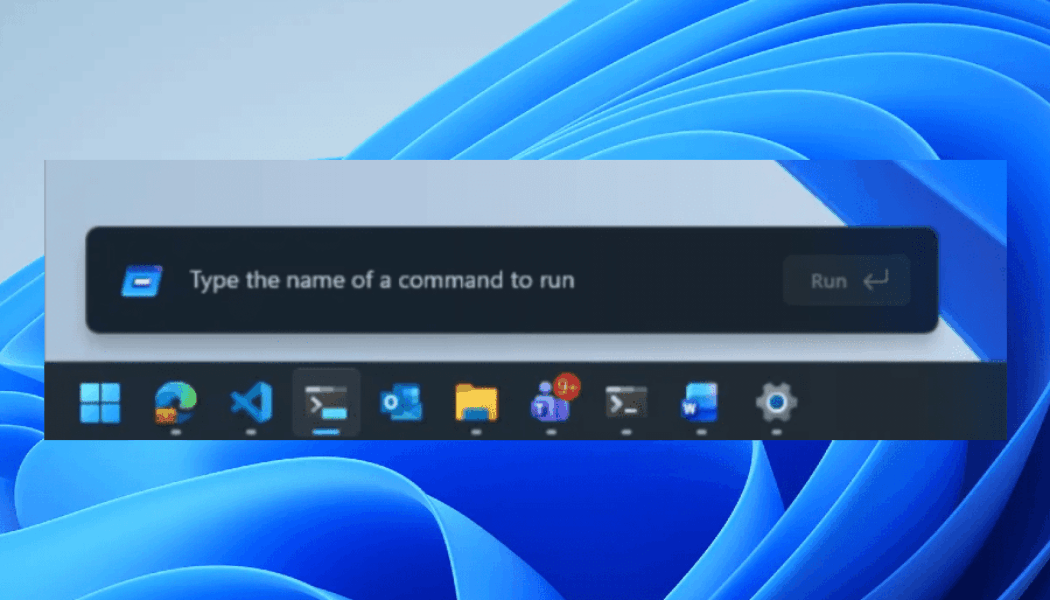
The refreshed Run menu is rolling out now to Windows testers in the Experimental Channel.
The refreshed Run menu is rolling out now to Windows testers in the Experimental Channel.
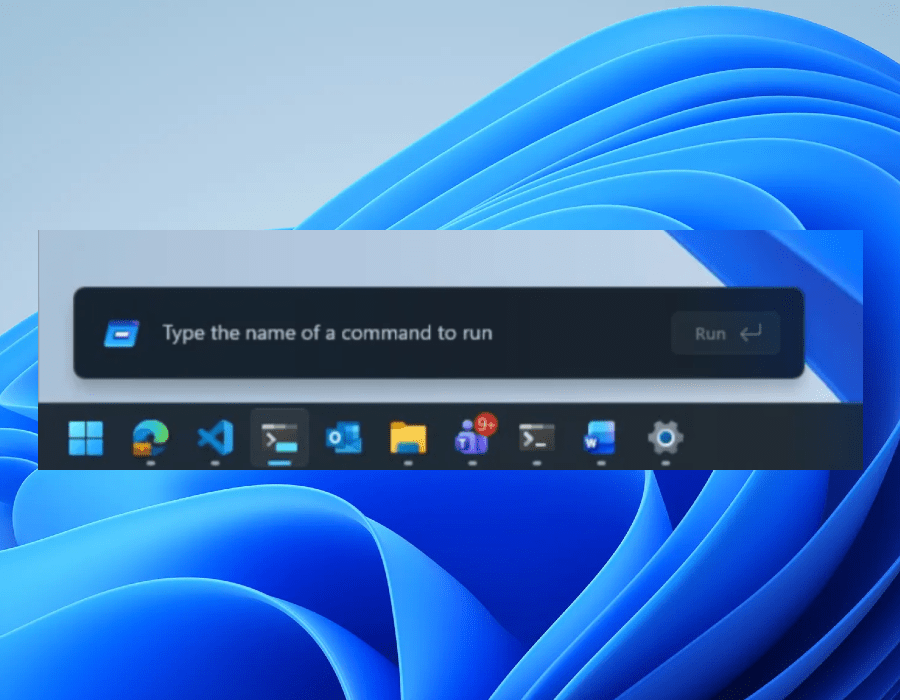

Microsoft is testing its much-needed refresh for the Windows 11 Run menu, offering a modern interface that the company says is faster and comes with support for dark mode. The redesign is rolling out now to Windows 11 Insiders in the new Experimental Channel.
In a blog post explaining the changes, Microsoft says it decided to drop the Run menu’s “Browse” button — a shortcut to user files — after finding “very low usage.” Instead, Microsoft added support for a new “~” command, which leads to your user directory.
Microsoft says it built the new Run menu using code from Command Palette, a utility available through PowerToys that allows you to quickly run commands, open websites, search files, and more. Windows 11 Insiders can enable the new Run menu by going to Settings > System > Advanced and turning the option on. An early version of the redesigned Run menu started appearing in preview builds last year.
“We’ve collaborated tightly with partners across the platform to get these UI surfaces loading snappy,” Microsoft’s blog post says. “Improvements we’ve made to the platform don’t just make Run fast, but they help make the whole OS more efficient.”